This week was our first full week of classes following our unexpected snowstorm that resulted in more than a foot of snow in our district – a rare sight to see! We missed four and a half days of school, returning for a day and a half then back home again for the weekend. On Monday I braced myself for lesson cancellations, expecting emails from stressed teachers feeling the pressure to prepare for testing instead of providing opportunities for tech.
I was delightfully surprised – No cancellations!
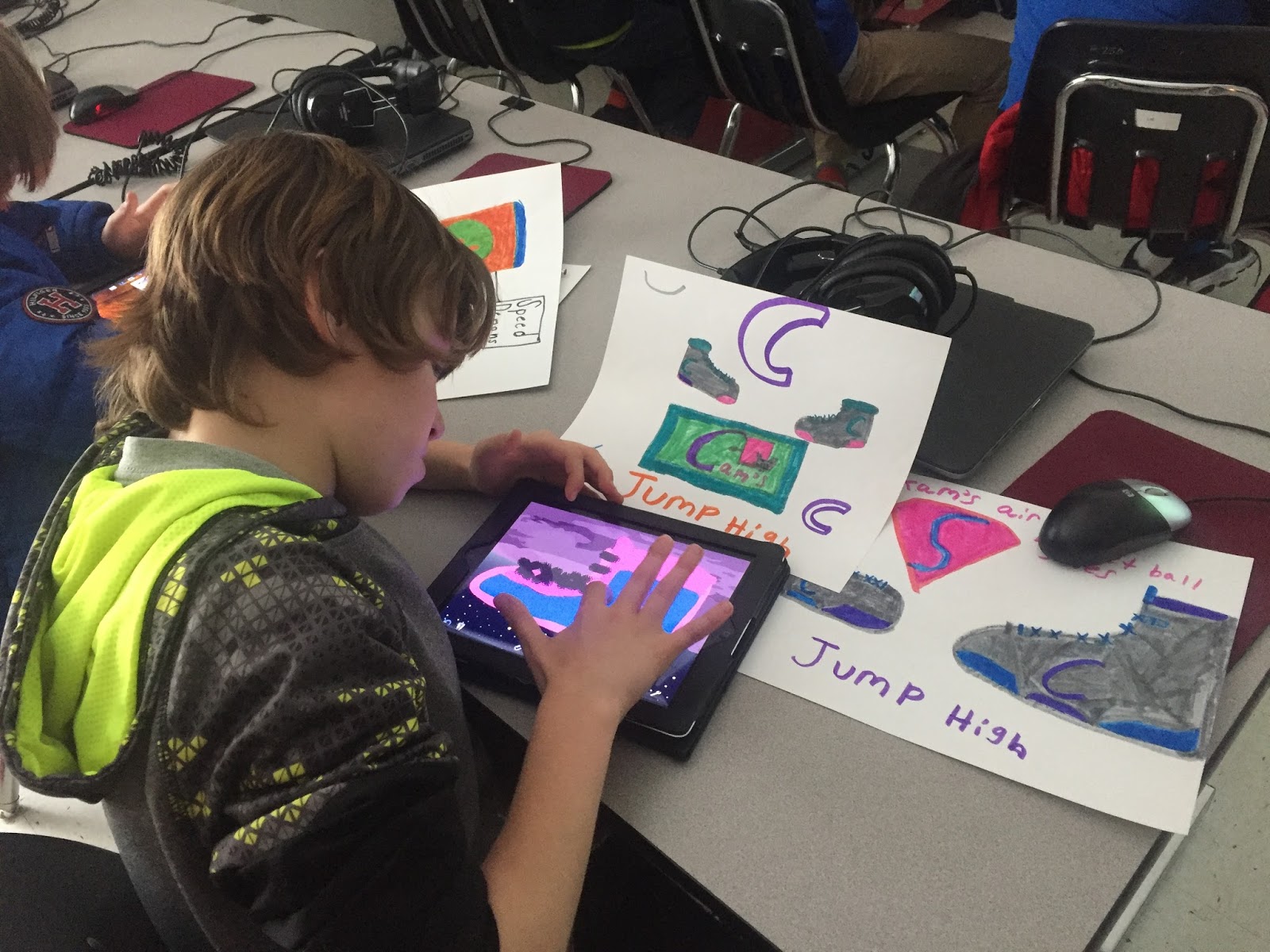
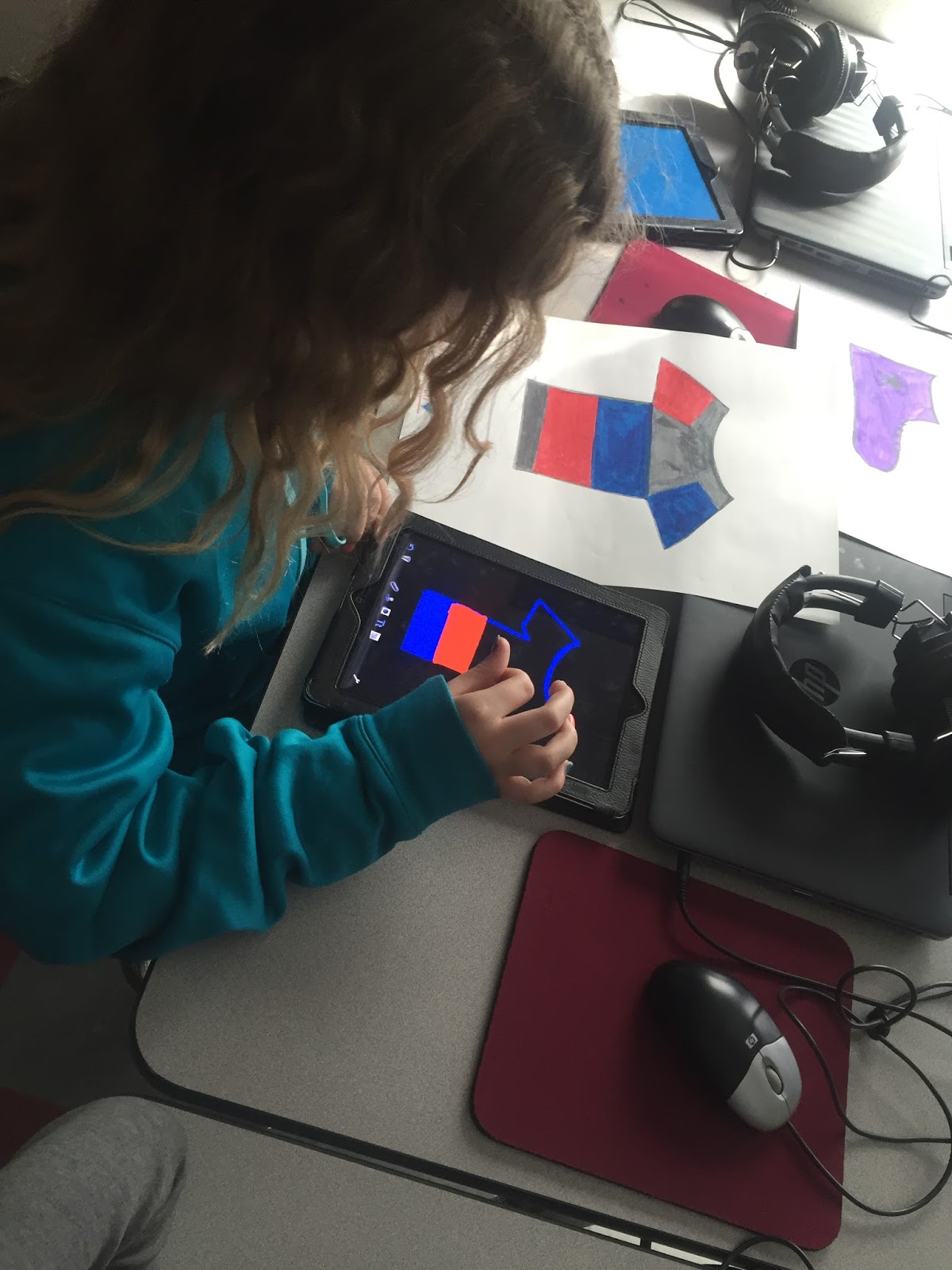
In Ms. Candler’s fifth grade art class, students used the Doodle Buddy app to create product logos. It was inspiring to see how the students layered the different colors and shapes to achieve their final products.
Several fourth grade classes began researching the Coastal Plain region for a presentation project using Google Slides. Students were placed in collaborative groups of four to create ten slides filled with informational tidbits, vivid images, and fun facts galore. They started this week’s session by collaboratively choosing a themed template. It was inspiring to listen to all the different ways they shared their opinions and compromised on one choice. When the projects are completed (in about two weeks), the students will exchange their presentations with students in Staunton City Schools, providing an authentic audience for writing and composing. They will also have an opportunity to leave comments on individual slides to enhance their learning and communication skills.
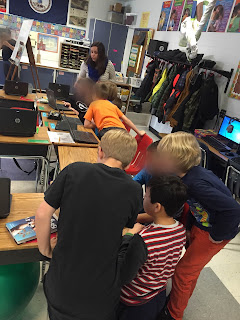
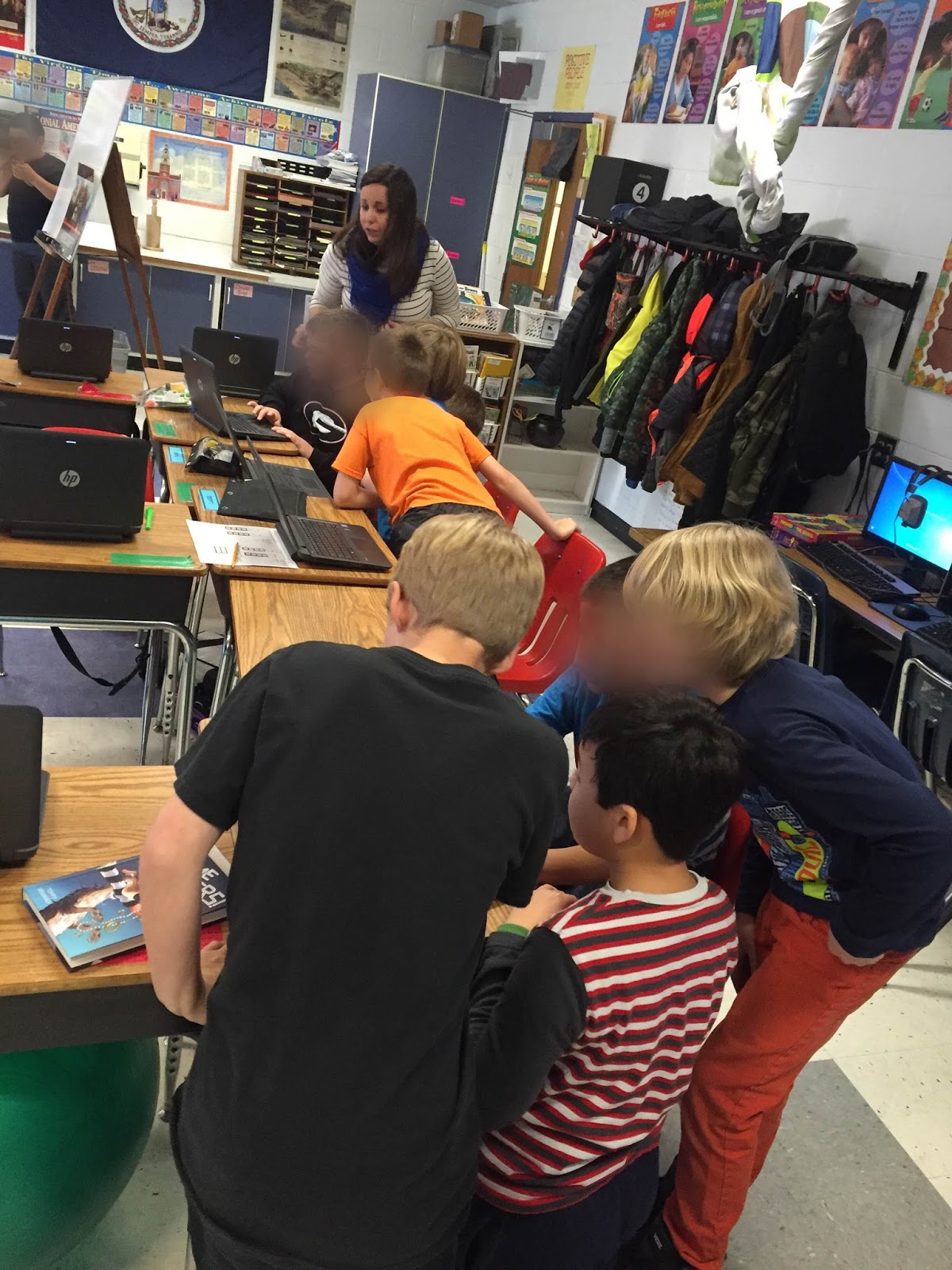
Ms. Heizer and Ms. Joyner’s third graders created stories using Google Docs in writing rotations, while I completed brief writing conferences, capturing my notes through a Google Form. (If you want to see a copy of my Form, click here!) One gal composed three complete pages about her best friend while another student described her recent gymnastics meet. I love learning more about our students and helping them learn and grow as writers!
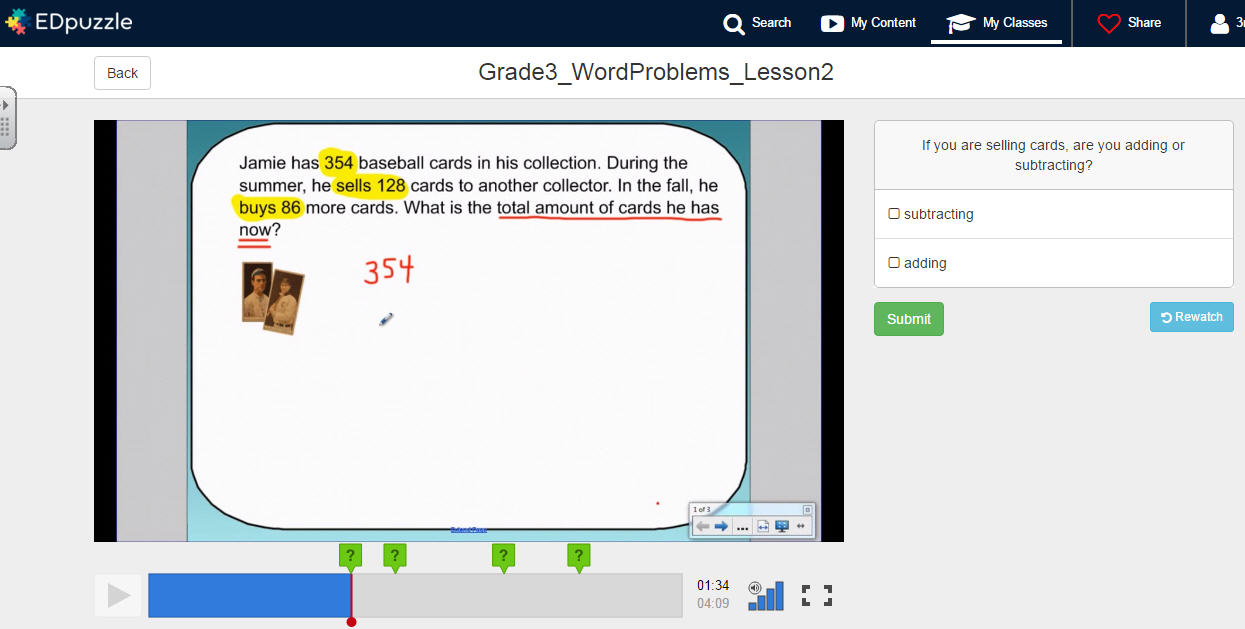
Ms. Joyner’s students also practiced mathematical problem solving skills using the EdPuzzle website. This site is awesome! You select instructional videos for students to watch, but overlay your own questions and answers for checkpoints (a great tool for flipped classrooms and any content area that can benefit from a spiral-back review!) I accessed student answers on my phone while they were completing the questions, which allowed me to reteach content right in the moment. Students already knew if they mastered the content by the green/red color coding and self-correcting answers. (If you want to use my videos, just create an Edpuzzle account for free and search “Tamara Letter” in the search bar to add my screencasts to your account!)

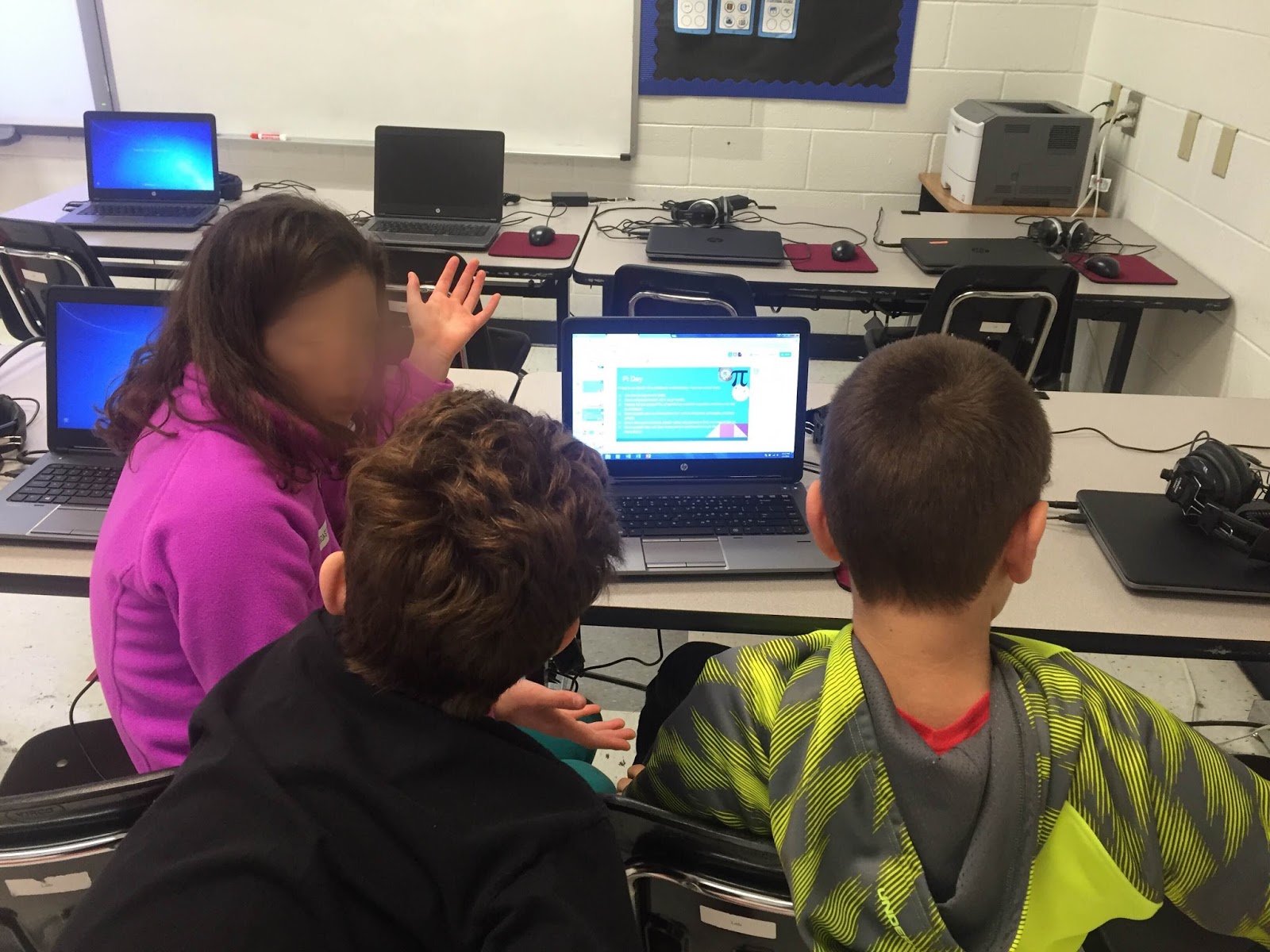
Mrs. Brockel’s class continued working on their collaborative presentations for Pi Day in March. They made so much progress that we moved our group meetings up a week so they could have a quick face-to-face check-in to identify incomplete tasks and create an action plan for completion.

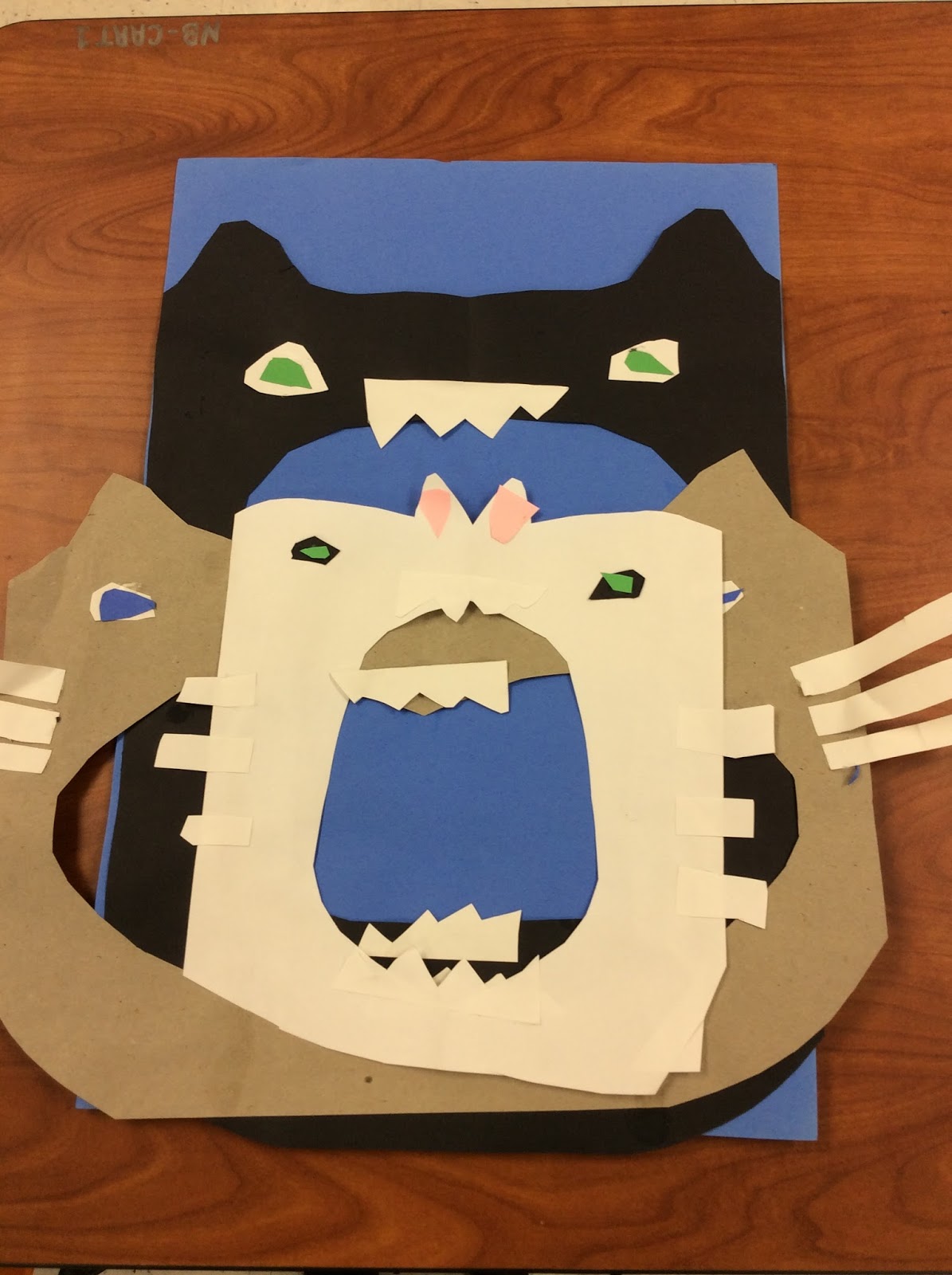
Ms. Miller’s students began finalizing their cross-discipline art/social studies project this week as well. Students used construction paper and symmetry to simulate a food chain of one animal being eaten by another, then wrote haikus to describe their artwork. We took digital photos of their food chains, imported them into the ChatterPix Kids app, then students recorded themselves reading their haikus. Click here to see a sample finished project!
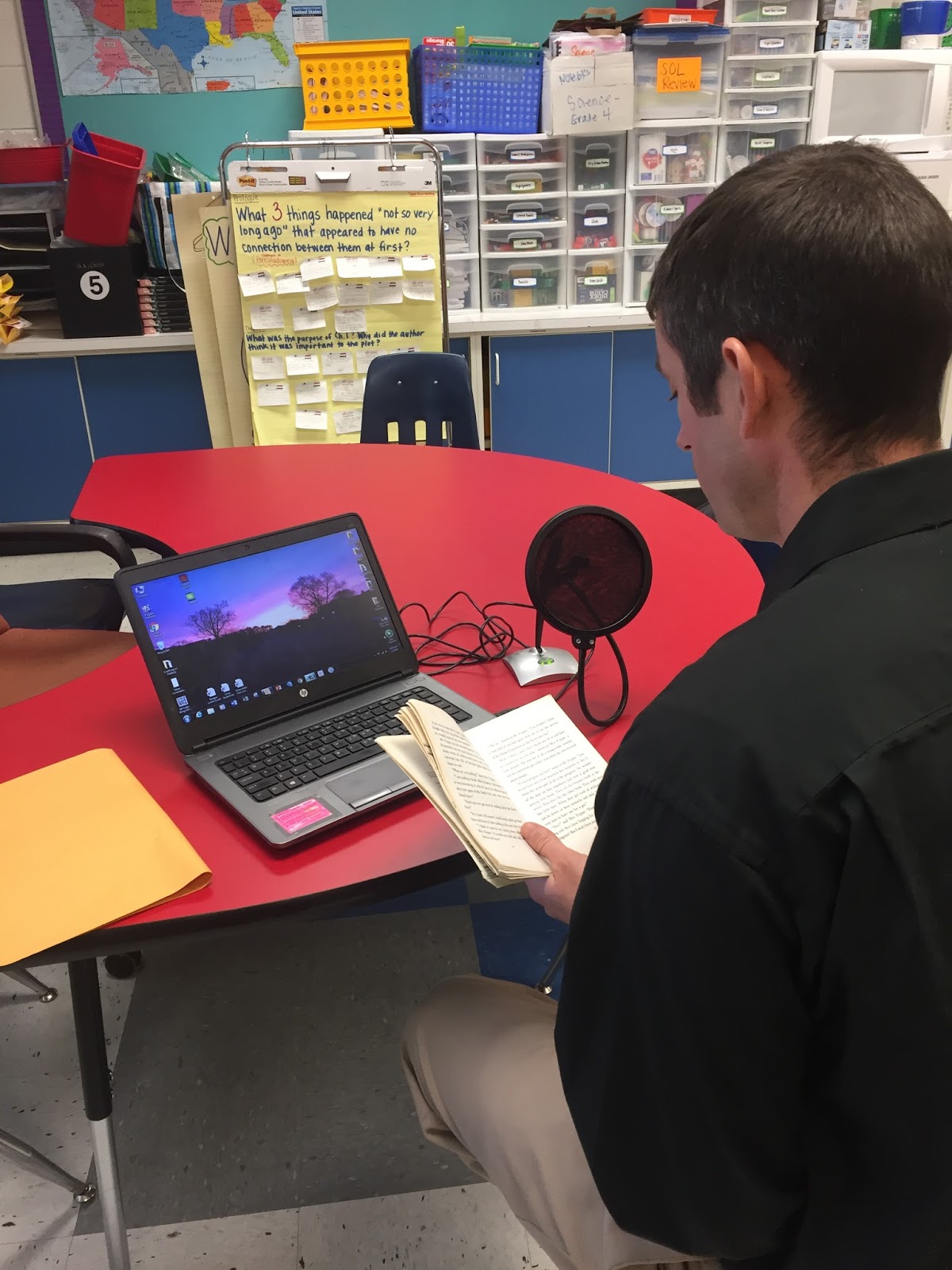
Teachers were also busy this week, recording chapters for our One School One Book program that will begin next week. Students will be able to listen to chapters at school and at home thanks to the sharing power of Google Drive!
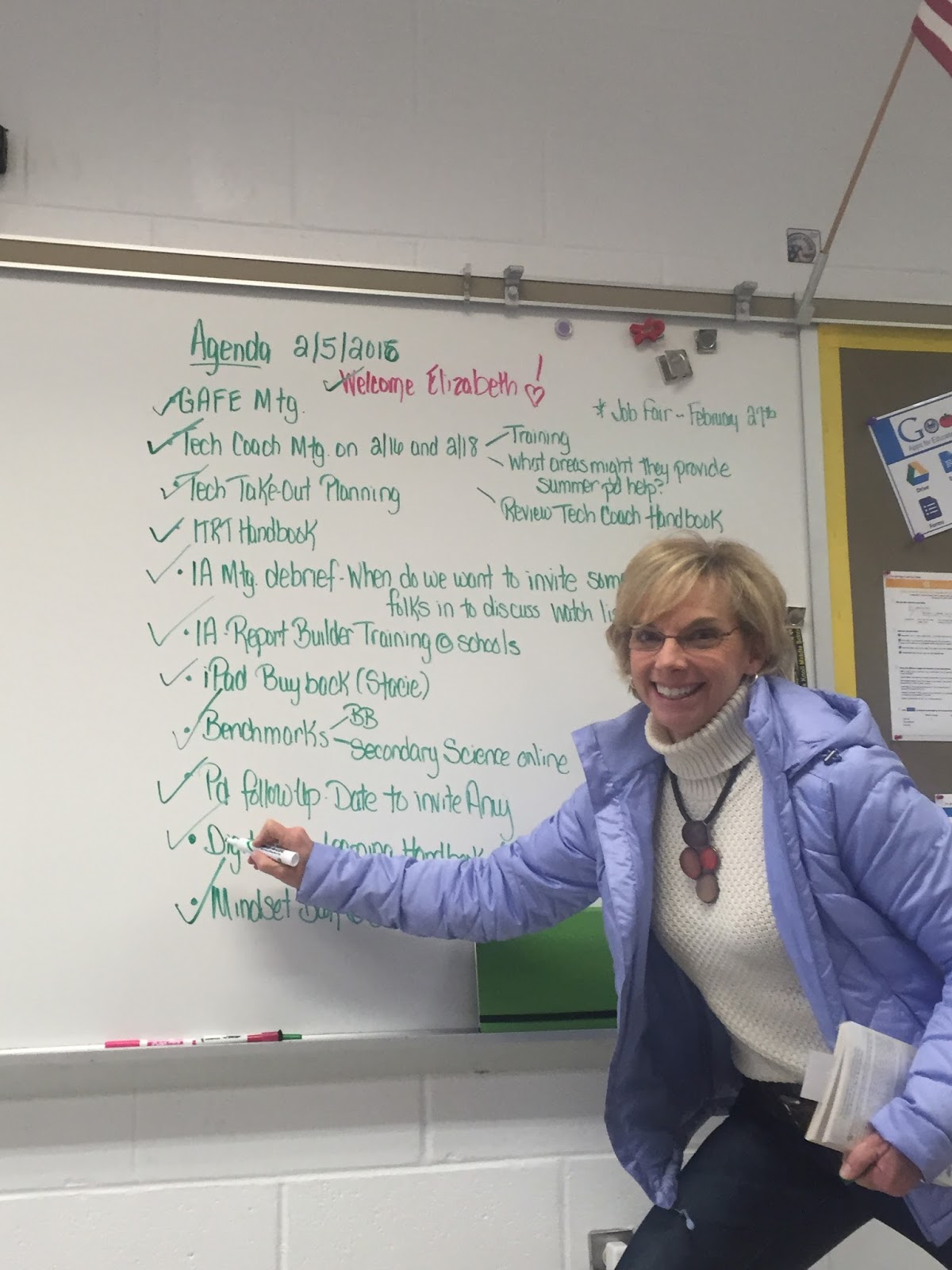
In addition to a week filled with lessons, tech trainings, and collaboration, our team welcomed a new ITRT, Mrs. Elizabeth Verlander, and successfully completed all tasks on our weekly agenda – the third week in a row! This was a definite #flyhighfri for our team – ending the week with JOY!
Needless to say, it was a fun-filled, jam-packed week. I wouldn’t have it any other way!
Looking forward to an awesome week ahead with new opportunities to inspire students and teachers alike. Make sure to check back soon to find out more about our Tech Take-Out PD sessions at our district’s school board office on Monday!